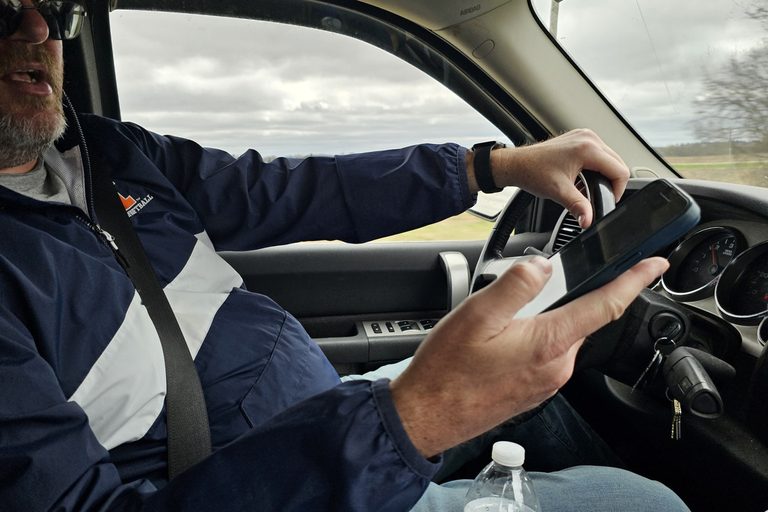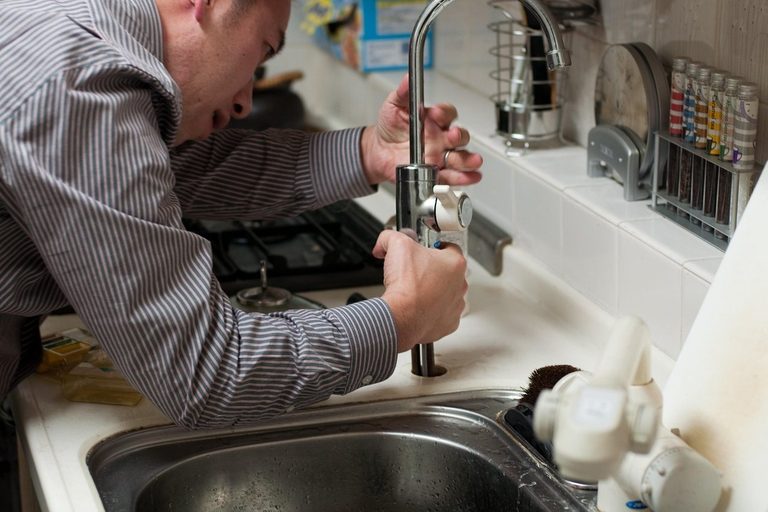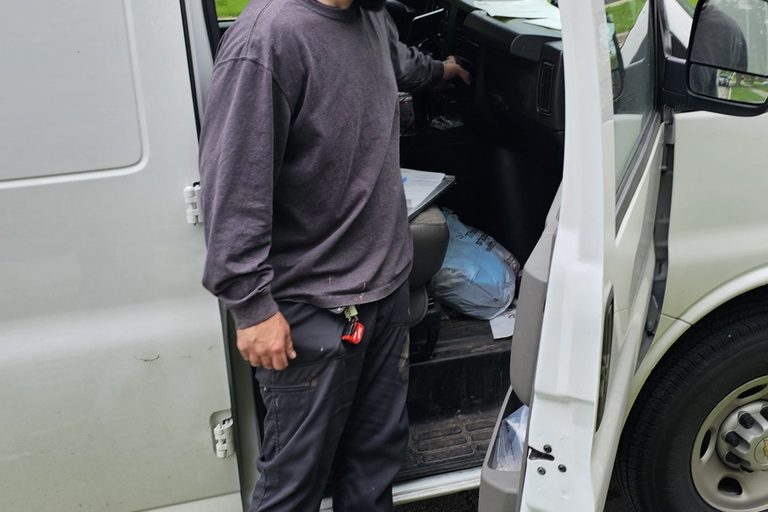
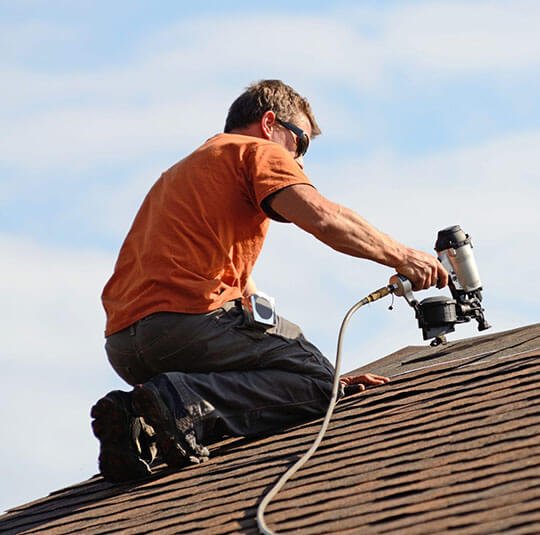
You finish the job, step back, and take a picture with your phone. Then it sits in your camera roll with four hundred others and does nothing. The photo that helps is a plain, sharp, honest picture of the finished repair, with no face, no house number and no text on it. Put it in two places. On your Google Business Profile it's proof a customer can look at before they call. On your own website, sitting next to a sentence that names the repair and the town, it gives Google and ChatGPT something to read.
The photo does two jobs
Those two places do different jobs.
On your Google Business Profile, the photo is for the person deciding whether to call you. Google asks trade businesses for "photos at work": at least three photos that show the services you offer and the specialty work you deliver. Google says photos can help a business stand out. The photos only appear once the profile is verified, so if you haven't finished verification, your uploads aren't being seen.
On your own website, the same photo has a second job. Google says it uses alt text, computer vision and the words on the page to work out what an image shows. When a photo sits next to a sentence like "Replaced rotted trim around the back door," Google can connect the picture to those words. Google's AI answers work the same way: the text carries the facts, and a good image can be shown alongside it.
ChatGPT search answers with links to the pages it found. When an answer includes an image, a person can tap it and open the page it came from. OpenAI doesn't say a photo gets a business named. A photo with nothing written beside it doesn't tell Google or ChatGPT what you fixed or where you did it.
Where a photo sits in getting found
It helps to know how much a photo can do. Google says local results are mainly based on three things:
- Relevance: how well your profile matches what the person searched for.
- Distance: how far you are from them.
- Prominence: how well known you are, from things like links and reviews.
"Add photos and videos" is listed on that same page, but as a separate tip for showing what you offer. It isn't one of the three factors. Google also says there is no way to request or pay for a better local ranking. What it does say is that businesses with complete, accurate information are more likely to show up in local results.
You may have seen big numbers about photos. A BrightLocal study looked at more than 45,000 profiles using data from 2017 and 2018. Businesses with more than 100 images got 520% more calls and 1,065% more website clicks than average. The same page says those businesses may simply have been in industries that collect more customer photos, or may have been better at the whole profile. Treat it as a sign that busy, well-run profiles tend to have plenty of photos, not as a number to aim for.
What the finished shot should show
Take the shot close enough to see the work, in focus, in light a person can see by. A phone is enough. Google's file rules for the Business Profile:
- JPG or PNG
- 720 by 720 pixels recommended (250 by 250 is the minimum)
- between 10 KB and 5 MB
- no heavy filters, and no edits or AI touch-ups that change what the job looked like
Google's Maps rules also say no text, no borders, no collages, no screenshots and no stock photos. That means no logo stamped in the corner and no before-and-after spliced side by side. If you want to show the before, upload it as its own photo. Light fixes like straightening the picture or brightening a dark shot are allowed. Google can remove low-quality photos, and you can't appeal those removals.
For a one-man shop, "photos at work" means you and your work, not a stock crew in matching shirts. Google mentions exterior shots for businesses where customers come to you. If you work at the customer's place and nobody comes to your address, Google treats you as a service-area business. You can remove the address from the profile and list up to 20 towns or postal codes you cover.
Google has a second set of rules that matter more for us than for a coffee shop. Maps says not to post photos taken inside a private home, to get the owner's OK for other private places, and not to show anyone who can be recognized without their permission. Google doesn't blur faces or plates in still photos for you. So the safe way to frame the shot is:
- no face
- no house number or mailbox
- no license plate
- no paperwork with a name on it
- the customer's OK before a picture of their place goes public
You can pick a cover photo, but that's a request, not a promise. Google may show a different photo instead, including one a customer posted. New uploads go to "Pending" and can take 24 to 48 hours to show. "Not approved" means the photo broke a rule.
If you run Local Services Ads, those photos are a separate upload, even if they're already on your Business Profile. They come with their own bans: no phone number anywhere in the picture (including on your truck or shirt), and no street or home address. Google ran its own test on home-service providers from December 2023 to January 2024. Providers with at least one photo could see an average of 16% more leads than providers with none.
Put the words where the photo is
When you upload to the Business Profile, there's no box for a caption. The page on your own website is where the words go. Three small steps:
- Name the file for the repair. Use something like `rotted-trim-replaced-back-door.jpg` instead of `IMG_4471.JPG`. Google calls the file name a very light clue, but it's free.
- **Write alt text in normal words.** Alt text is a short description of the picture that Google reads. For example: "New trim and caulk around a back door after rotted wood was cut out." Don't stuff it with keywords. Google can treat that as spam.
- Put a sentence beside the photo that names the repair and the town.
Google says it reads the page text, the file name, the alt text and the picture itself, and that the important facts should be in the text, with the image backing them up. If someone else built your site, check that photos are placed as normal images on the page and not as backgrounds. Google doesn't index background images.
On the Business Profile itself, a post can carry one finished photo and a sentence. Customers see posts in the Updates or Overview tab on Search and Maps. Leave your phone number out of the post text, because it can get the post rejected. Posts older than six months get archived, so one now before Thanksgiving and another in spring keeps something current showing.
How that reaches ChatGPT and Google's AI answers
Google says its AI Overviews and AI Mode are built on the same foundations as regular Search, with no extra technical requirements. Your page has to be indexed and eligible to show a snippet. The important facts have to be in text, and a high-quality image can be pulled into the AI answer next to them. Google also says to keep your Business Profile up to date.
The AI summaries Google writes on a business listing are built from things like reviews of the past year, not from your job photos. Photos show off your work. Reviews are what that summary is made from.
ChatGPT search answers with links and can show images that open the source page. It may use your rough location from your internet connection to turn "near me" into a town name, so a page that names the towns you work in has a better shot at matching. There's no form to submit your business and no guaranteed spot. OpenAI says ChatGPT search, citations included, can be incomplete or wrong.
There is one thing you can check. ChatGPT search uses a program called OAI-SearchBot to read websites. If your site blocks it, your site is left out of ChatGPT search answers. Ask whoever runs your site to make sure it's allowed. A separate program called GPTBot is used for training AI models, and blocking that one doesn't affect search.
Two photos after the job, and the traps
This takes a few minutes, not an extra evening.
After each job:
- Take one shot wide enough to see what was fixed, and one close-up.
- Get the customer's OK.
- Crop out the address.
- When you have a minute, put the finished shot on your Business Profile.
- Put both photos on your website next to two sentences: what failed, what you did, and the town.
With gutters and siding getting looked at before winter, fall gives you plenty of chances.
The traps:
- Turn off location tagging for photos of a customer's place. Google doesn't list photo location data as a ranking factor. One 10-week test found a small gain on "near me" searches in the tagged towns, and no gain or a drop on the other six measures it tracked.
- Don't buy stock job photos.
- Don't pay anyone, or offer a discount, to post photos. Google doesn't allow posts made in exchange for payment, discounts or free work.
- Customer photos are fine. A happy customer can add a picture from their own Google account. If one of those breaks a rule, you can ask Google to remove it.
A photo won't move your ranking by itself. Its job is to show people your work and give Google and ChatGPT something real to read alongside the words.
Sources (20)
- Google Business Profile: Manage photos and videos
- Google Business Profile: Tips for photos by business category
- Google Business Profile: Improve your local ranking
- Google Business Profile: Photo and video policies
- Google Business Profile: Service-area businesses
- Google Business Profile: Posts
- Google Maps: Media tips
- Google Maps: Privacy policy for contributions
- Google Maps: Fake engagement policy
- Google: How local listings are built
- Google Search Central: Image SEO best practices
- Google Search Central: AI features and your website
- Google Search Central: AI optimization guide
- Google Local Services: Photos
- Google Local Services: Ad ranking
- Google Ads policy: Local Services business photos
- OpenAI: Searching the web with ChatGPT
- OpenAI: Crawlers (OAI-SearchBot and GPTBot)
- BrightLocal: Google My Business Insights study
- Search Engine Land: Geotagging photos test
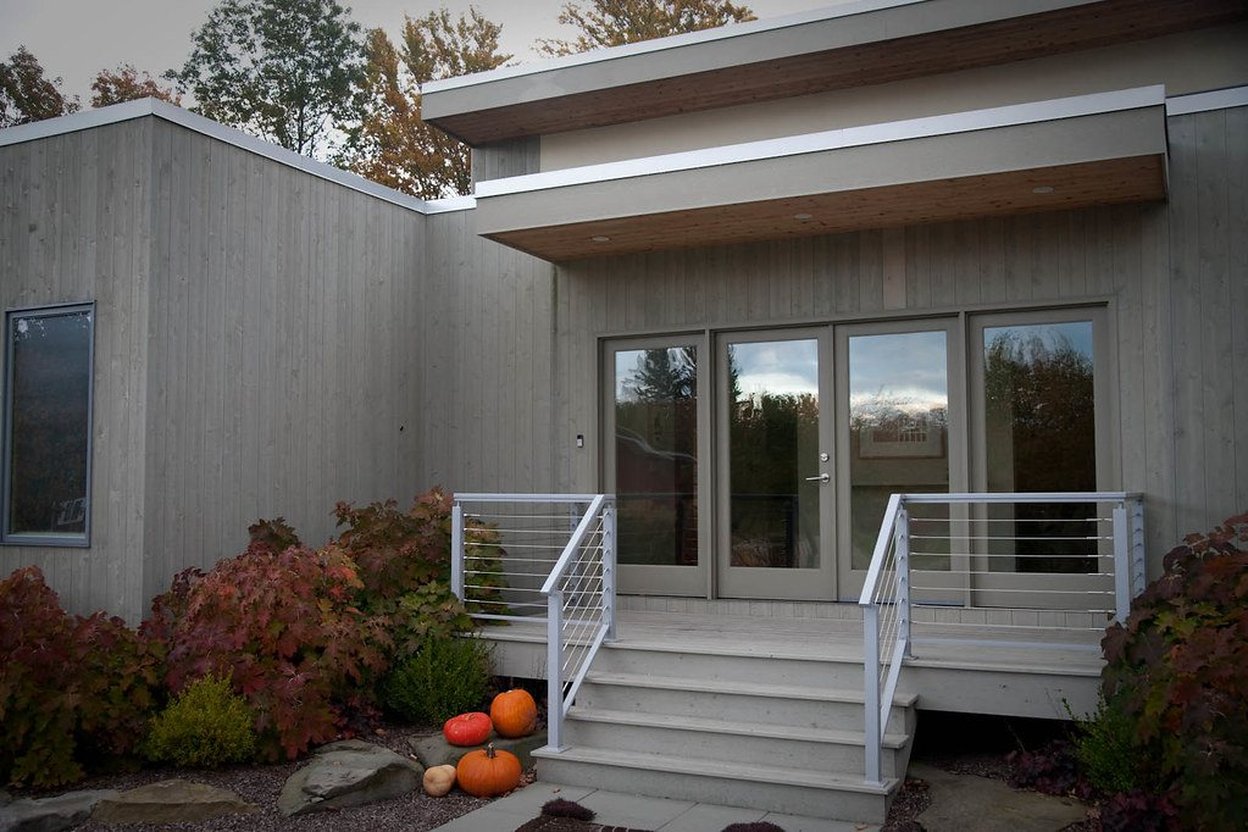
Photo: Michigan House by Colin Davis Studio, BY 2.0.