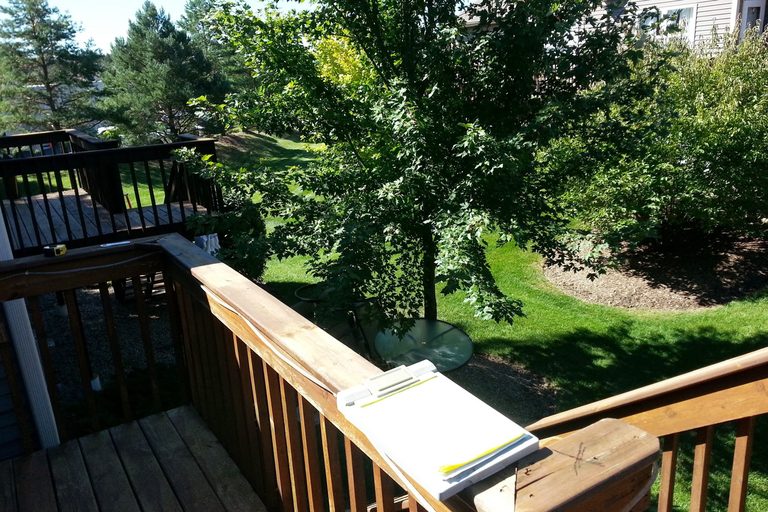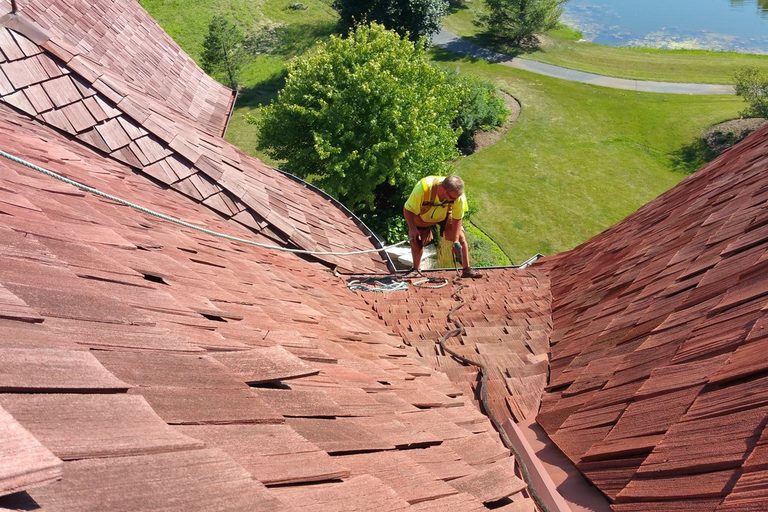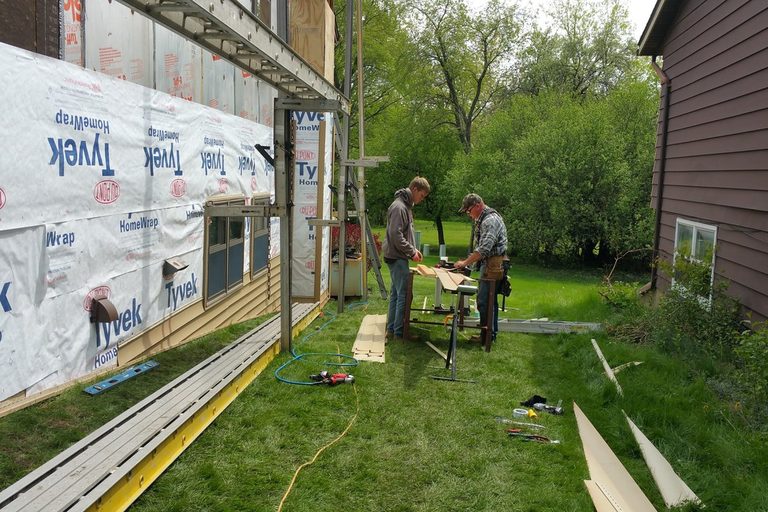
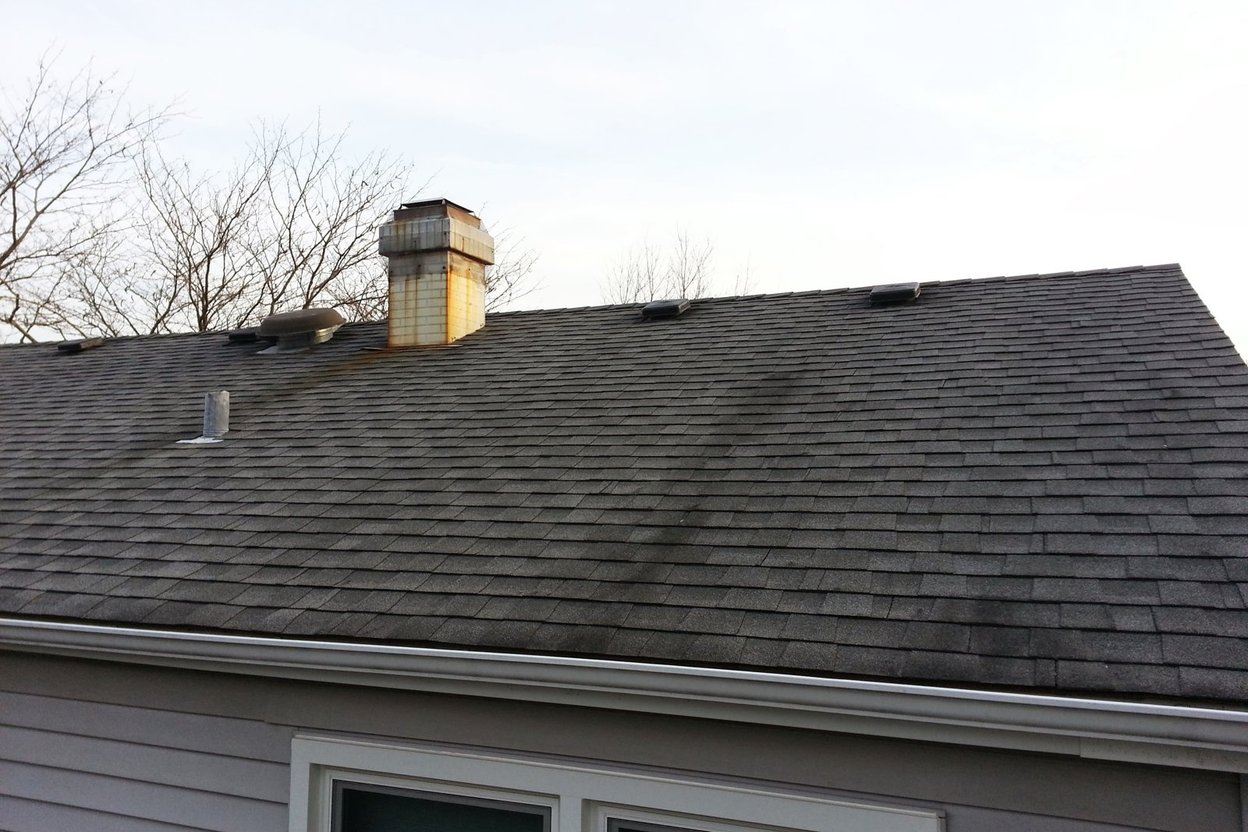
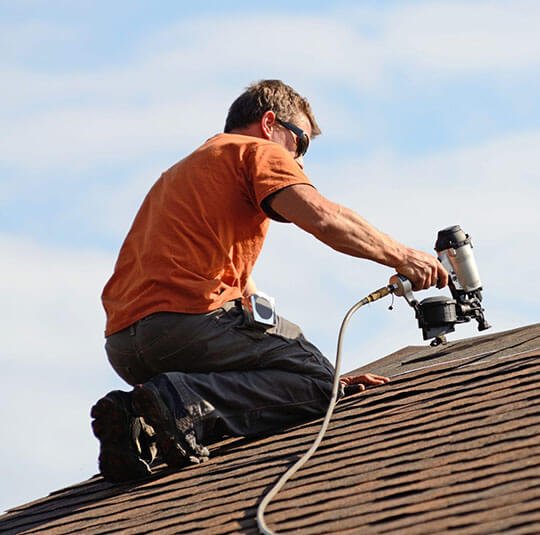
Open your phone's photo app. Somewhere in there are thousands of job photos: before shots, damage, the inside of a wall, the finished work. They're the best proof you have that you do good work, and most of them never get used because you can't find them.
AI can fix that, and it doesn't take a new system.
Step 1: Let your phone find them
Both Google Photos and the iPhone Photos app can already search your pictures by what's in them. Type "roof," "siding," "water heater" or "chimney" and see what comes up. Your phone also saves where and when each photo was taken, so you can pull up every photo from one job by date. You may already have a filing system and not know it.
Step 2: Make one album per job
Name it the way you'll look for it: the street and the job ("Oak St, siding repair, Oct 2026"). Put the before, during and after photos in it. Five minutes at the end of each job is enough.
Step 3: Let AI write the captions
Drop a few photos into ChatGPT or another AI chat and tell it what the job was. Ask for a short caption for each one: what it shows and why it matters. For example: "Water stains behind the old J-channel, caused by a missing kickout flashing." Then read every caption. AI can guess wrong about what's in a photo; you're the one who knows.
Step 4: Put them to work
- Quotes: Add two or three photos of the problem to every estimate, with captions. Customers understand a picture faster than a paragraph.
- Photo reports: Before-and-after reports for property managers, real estate agents and insurance jobs. AI can lay out the photos and captions in order; you check it.
- Your Google profile: Real job photos help homeowners trust you, and they help Google see what kind of work you do. See why Google Maps shows "companies" that don't exist for why real photos matter.
- Reviews: Send the customer their before-and-after photos with your review request. People love seeing the difference, and it reminds them why they were happy. See getting more reviews with AI.
Two things to watch
Privacy. Before you post a photo anywhere, check for house numbers, license plates, kids, and anything inside someone's home they wouldn't want shared. When in doubt, ask the customer. And phone photos carry the location they were taken; most social sites strip it, but check your settings before you send files around.
Honesty. Only post photos of your own work, and don't let AI "improve" a photo of a repair. A real photo that's a little blurry beats a perfect one that isn't real.
Where to start
Tonight, make one album for your last job and caption five photos. Next time a customer asks "have you done this before?", you'll have the answer in your pocket.
Photo: from a real job by Fixer School founder Jack.
Photo: Drywall installation in unidentified home (10926427913).jpg) by City of Boston Archives from West Roxbury, United States, CC BY 2.0.