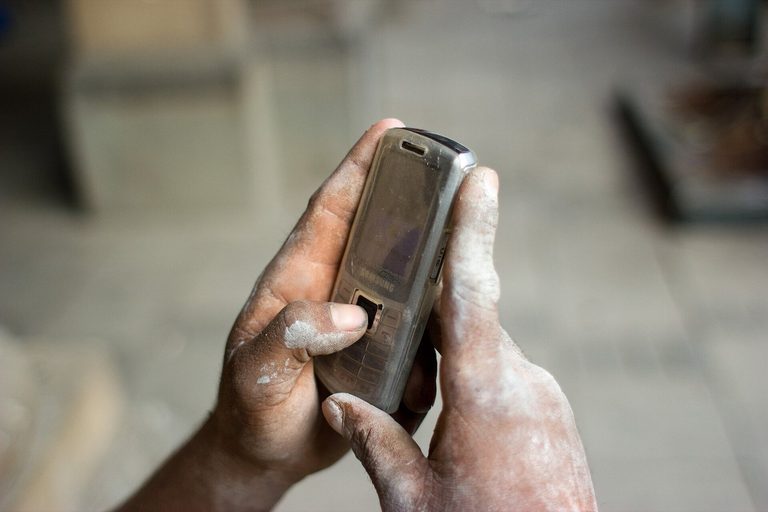
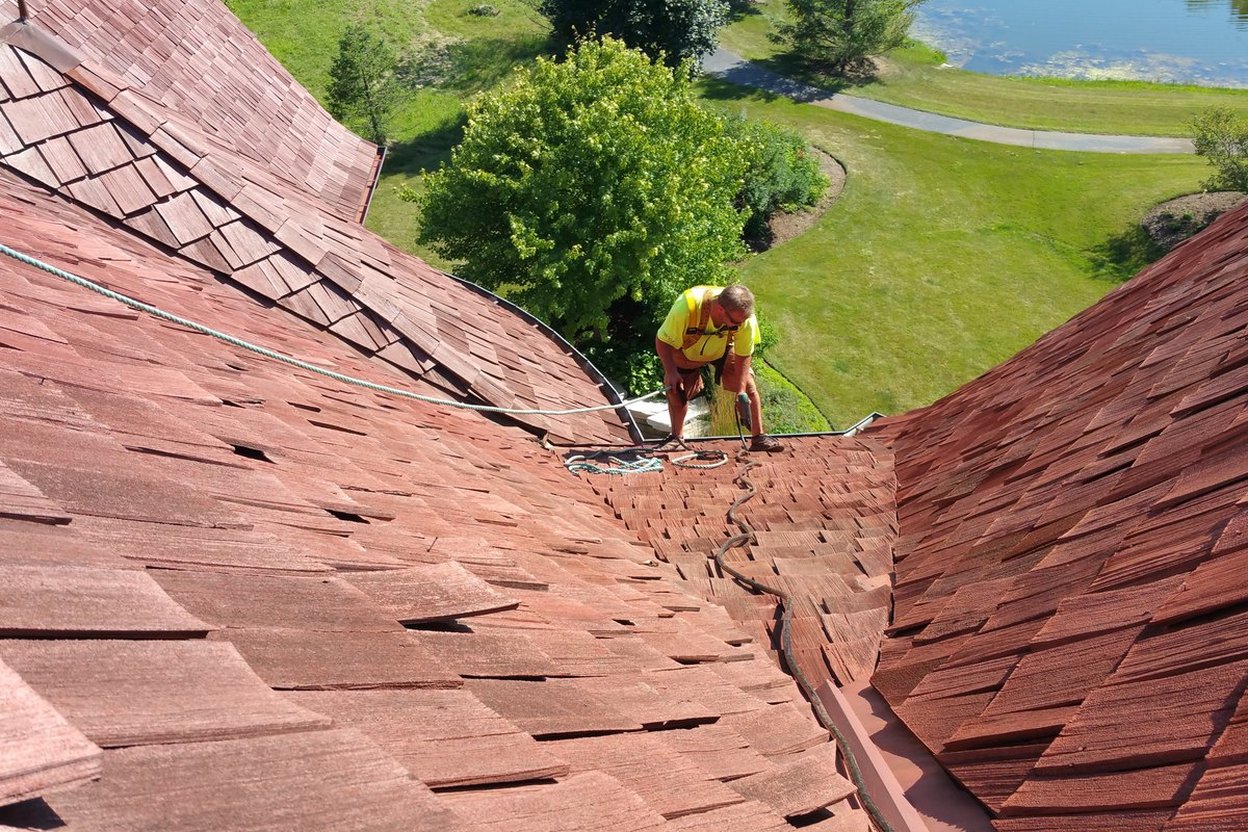
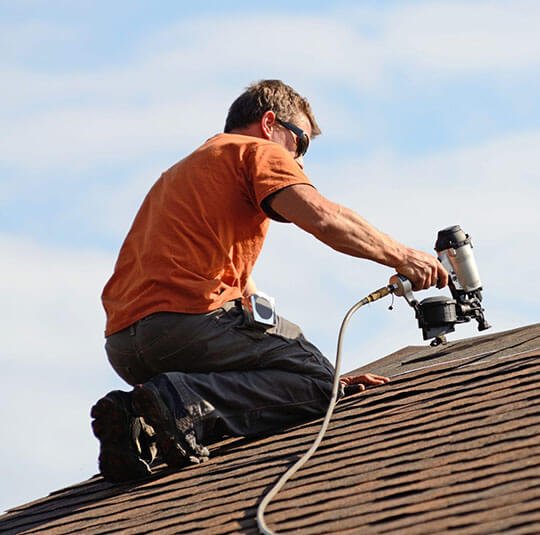
Your phone buzzes. You're on the roof, on a ladder, in a crawl space, or holding a sheet of drywall over your head. You can't talk. But you can tap once.
Set up quick replies
Most phones let you choose ready-made replies when you decline a call. On an iPhone, it's under the Phone settings ("Respond with Text"). On Android, it's in the Phone app settings under quick decline messages. Replace the factory ones ("Can't talk now") with your own:
- "On a job, can't talk. What do you need? I'll call back by [time]."
- "On a roof. Text me what's going on and a photo if you can. Calling back within the hour."
- "Driving. Will call you back in 20 minutes."
- "With a customer. Calling back right after."
Now declining a call and sending the text takes one tap.
Why it works
The customer hears nothing from most contractors they call. A text that says a real person got the call, and when they'll hear back, puts you ahead. Most people will wait an hour for someone who answered. They won't wait for silence.
Then keep the promise
If you said "within the hour," call within the hour. Set a reminder if you need to. A broken promise in the first text is worse than no text at all.
Ask for photos
Photos let you size up the job before you call back. You'll know whether it's a 30-minute fix or a full day, and whether you need to bring a ladder or a part. AI can help here too: describe the photo and ask what questions to ask the homeowner.
Never a price in a text
Even if the photo looks simple. "Looks like about $200" turns into a fight when it's $350 because of what's behind the trim. See the one job an AI should never price.
Add a text-back for when you can't even tap
For the calls you can't touch at all, a missed-call text-back sends a message automatically. Between the two, nobody who calls you gets nothing.