
Ask any contractor how many quotes they follow up on and most will admit: almost none. You send the estimate, you get busy, and if the customer doesn't call back, you assume they went with someone else. Often, they didn't. They got busy too. A simple follow-up wins a share of those jobs back, and AI does most of the typing for you.
Why follow-up matters
Homeowners getting a repair or a project done are juggling work, kids and three other quotes. Many of them haven't decided yet when they stop answering. A friendly check-in:
- Reminds them you exist.
- Answers the question they were too busy to ask.
- Shows you're organized, which is what they want in a contractor.
The contractor who follows up often wins the job just for showing up again.
A simple follow-up schedule
You don't need software for this. A basic schedule works:
- Same day: send the estimate with a short note. "Here's your estimate. Happy to answer any questions."
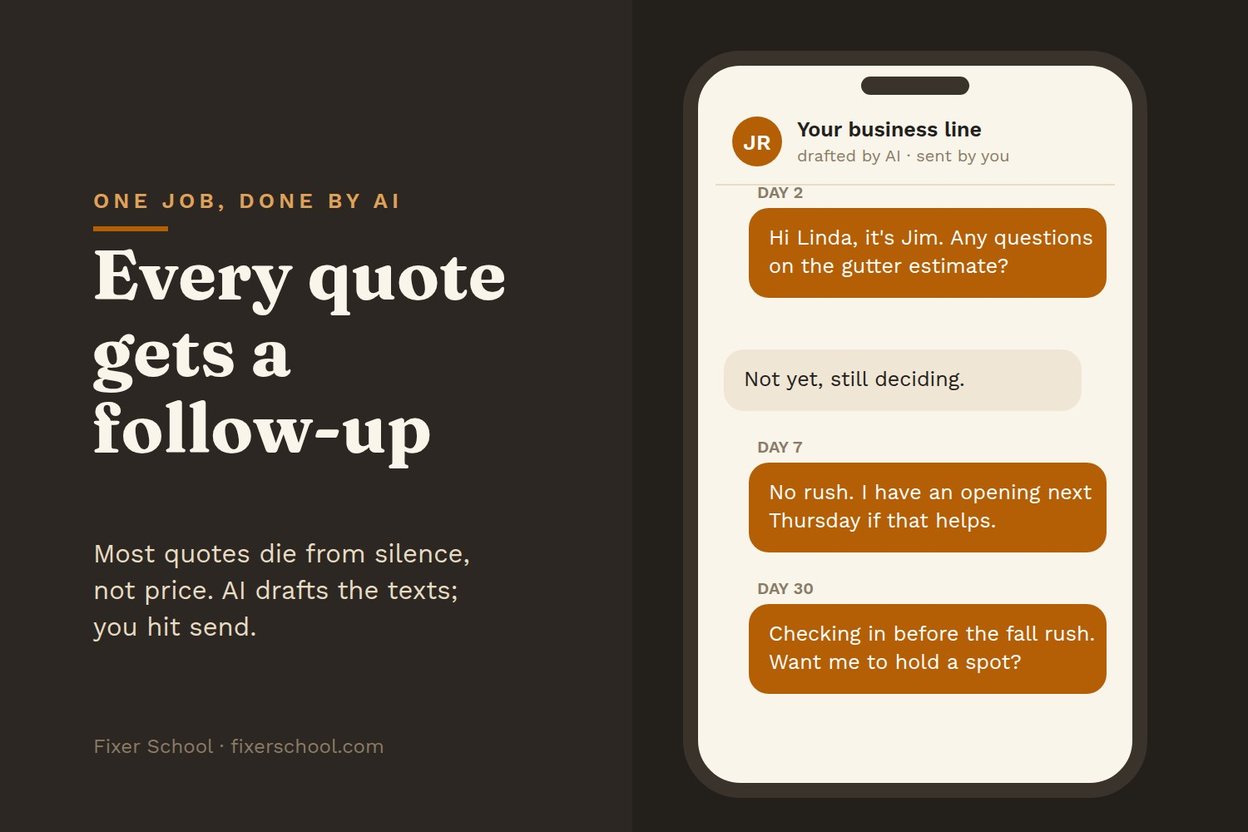
- Day 2 or 3: a friendly check-in. "Any questions on the estimate?"
- Day 7: offer something useful. "I have an opening next Thursday if you'd like to get on the schedule."
- Day 30: one last check-in. "Checking in before my schedule fills up for the season."
After that, put them on a list for a seasonal reminder.
Where AI comes in
AI doesn't send anything for you (unless you set it up to). It does the part most contractors hate: writing.
- Write the messages in your voice. Give AI a couple of texts you've sent customers and ask it to write follow-ups that sound like you. Short, friendly, no pressure.
- Personalize them. Paste in the job ("gutter guards on a ranch, quoted Tuesday") and ask for a follow-up that mentions it.
- Answer the question they're probably asking. "Customer seemed worried about cost." AI can draft a follow-up that explains what's included or offers a smaller first phase.
- Keep track. A simple list or spreadsheet of quotes, dates and next follow-ups. Ask AI to build one, and some tools will remind you when each is due.
Many estimating and invoicing apps already have automatic follow-ups built in. If yours does, turn it on and use AI to write better messages for it.
Keep it human
- Don't spam. Four messages over a month is plenty.
- Stop when they say no. Thank them and move on.
- Read before you send. Make sure every message is accurate and sounds like you.
- Follow the texting rules. Only text people who gave you their number for the job, and honor "stop."
What it does for your business
If you send a lot of quotes, even a few extra jobs a month from follow-ups adds up over a year, without spending a dollar more on advertising. That's the kind of thing AI does best: the small, repetitive task you never get around to.
For writing the estimates themselves, see writing estimates in minutes with AI. For getting the call in the first place, see AI phone help for a one-man shop.
AI is a terrible master, but a great servant. Let it write the follow-ups. You do the work.