
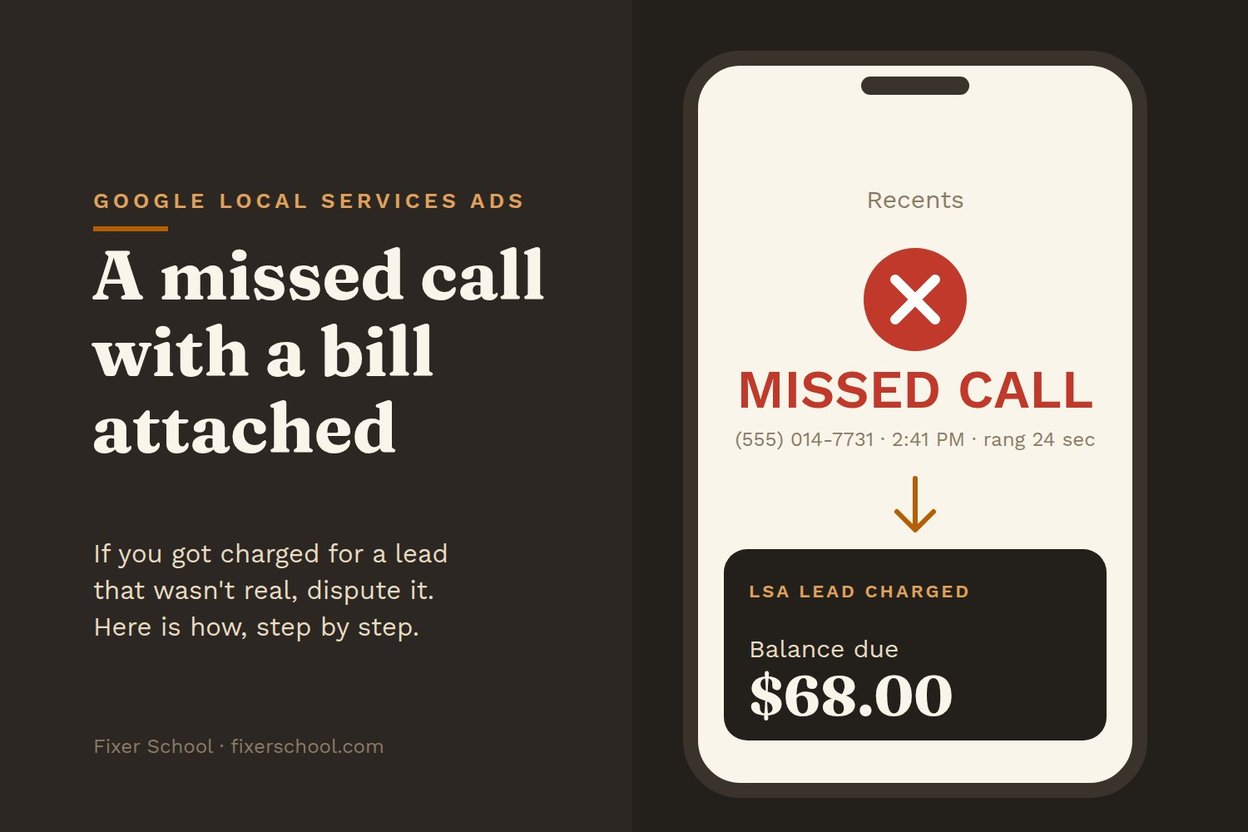

Since October 1, Google can charge you for a Local Services Ads call you didn't answer. Some of those calls will be real customers. Some will be spam, robocalls, or somebody who wanted a different trade. Here's how to push back on the ones that shouldn't count.
Two ways Google gives money back
1. You dispute a lead. In the Local Services Ads dashboard, open the lead and look for the option to dispute it. Google's help pages say a lead you successfully dispute is credited back (US and Canada).
2. Google credits it automatically. Google says it re-checks charged leads over time and may credit ones its system later decides were low quality. You can also rate the lead in the feedback survey for that lead. Google says it "may" credit leads reported as poor quality there. That's a maybe, not a promise.
What Google won't credit anymore
Google says it no longer credits leads for "job type not serviced" or "area not serviced." That means your profile has to be right. If you don't do gutters, take gutters off. If you don't drive to the next county, take it off the map. Every wrong job type and wrong town in your profile is a lead you'll pay for and can't get back.
Keep a log
Google hasn't said much about how missed-call disputes will be judged. So keep your own record and make it easy to back up your case:
- Date and time of every missed call
- Whether a voicemail was left, and what it said
- Whether you texted or called back, and what happened
- Spam, wrong number, or "wanted a plumber, I'm an electrician"
A plain notes app works. So does a sheet of paper in the truck. AI can help here: read your notes into your phone at the end of the day and ask it to put them in a simple list by date.
When to dispute
Check your leads every week, not when the bill shows up. The longer you wait, the harder it is to remember which call was which.
Good reasons to dispute:
- Spam or robocall
- Wrong number or a sales pitch
- A job you clearly listed as not offered (even if Google won't credit it, it shows you something in your profile needs fixing)
- The same person counted twice
Better than disputing
Disputes are cleanup. The fix is answering the phone or texting back in under a minute, so the lead you paid for turns into a job. That's step one at Fixer School: catch every call.