
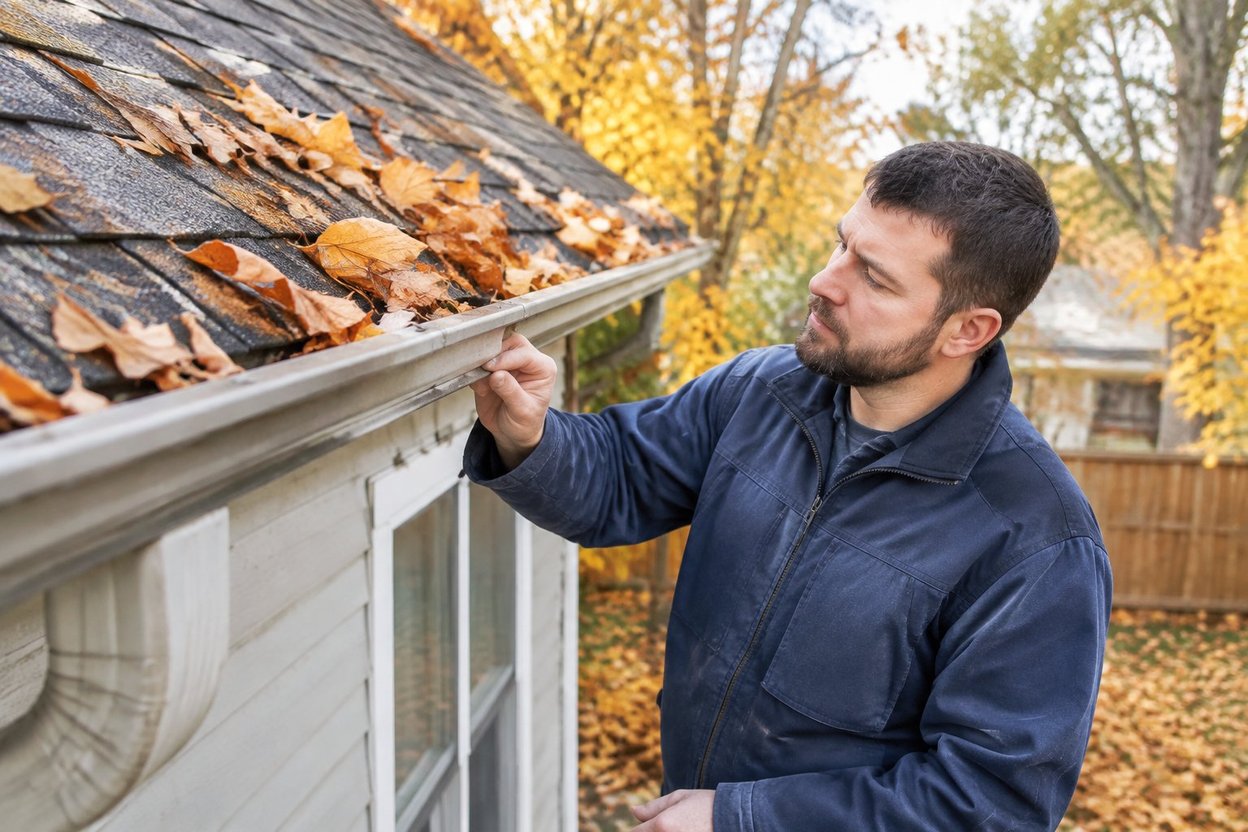

It's October. The leaves are in the gutters and you're thinking about the customers you worked for last year. Some of them need their flashing looked at before the snow. Some had pipes you insulated, and their crawlspace is probably due for another look. You mean to reach out, but the evenings get eaten. Can AI help you send that reminder? Yes. It can write it, sort the list and draft the replies. You still have to choose who gets it, approve every send and follow a few legal rules.
The short answer: yes, and here's who does what
Splitting this job between you and an AI is a lot like having an apprentice. The apprentice does the busywork, and you're still the boss.
What AI can do: - Go through a messy list of past jobs and sort it by what each customer had done - Write a short, friendly message for each group in your own voice - Draft answers when people write back
What you still do: - Choose who gets a message and who doesn't - Read and approve every message before it goes out - Take care of the legal basics
That last part matters because a winter reminder counts as advertising. The FCC's rule defines "telemarketing" as calls or messages made to encourage people to buy goods or services. If your text says "want me to check your gutters before winter?", that's telemarketing, even when it goes to someone you've worked for. The rule does recognize an "established business relationship," such as a recent purchase. That helps with calls. It doesn't give you permission to send automated sales texts.
I spent years doing siding and handyman work, and I took every call myself. The customers loved it, and it burned me out. A seasonal reminder is a good way to keep that personal touch without taking up your nights. You just have to do it carefully.
Build the list and the message
Start with what you already have: old invoices, your text history, or a spreadsheet if you kept one. You don't need special software. Paste or type the names, phone numbers, emails and the last job for each customer into one list.
Next, decide which winter job fits each person. Base it on work you actually did for them: - Gutter cleaning or repair → a gutter check before the snow - Roof or siding work → a flashing and trim check - Plumbing or crawlspace work → pipe insulation
The government's Ready.gov winter page tells homeowners to keep pipes from freezing, insulate the home and seal drafts around doors and windows. Those are good topics when they match a past job. Don't go further than that. Don't promise the customer you'll save them from a disaster, and don't make claims you can't back up.
Then ask AI to write the message. You can paste in something like this: "Write a short, friendly text in first person from me, a handyman. Use the customer's first name and mention the job I did for them. One ask: reply or call to book. Under 300 characters. Include my business name and 'Reply STOP to opt out.'"
Sample text: > Hi Linda, it's [Your Name] from [Business]. I did your gutters last fall. Want me to check them before the snow? Reply or call [number] to book. Reply STOP to opt out.
Sample email: > Subject: Winter check on your gutters > > Hi Linda, > > This is [Your Name] from [Business]. I did your gutters last fall, and I'm booking winter checks before Thanksgiving. If you'd like one, just reply or call [number]. > > This is an advertisement from [Business], [postal address]. Don't want these? [Unsubscribe link] or reply "unsubscribe."
("Linda" is only a placeholder. Use each customer's real first name.)
Texting rules
Texting is where most of the risk is, so take it slowly.
Consent. Automated telemarketing calls and texts to cell phones generally need "prior express written consent." That means a signed written agreement that clearly allows automated marketing messages and names the phone number. The person signing also has to be told that signing isn't required to buy anything. I won't tell you that an old "sure, text me about the appointment" covers marketing. Nobody can promise you that. The safe move is to get a clear written "yes, you can text me about future work," for example on your invoice or intake form, and keep a copy.
Quiet hours. Don't send solicitations to home numbers before 8 a.m. or after 9 p.m. in the customer's local time.
A working STOP. Every text needs a way to opt out, and you have to honor it. On October 1, 2026, the FCC released a new order on revoking consent. It takes effect 30 days after it's published in the Federal Register. Under that order, you have to honor any of these seven words: stop, quit, end, revoke, opt out, cancel, unsubscribe. If someone opts out of your marketing texts, the opt-out covers all of your marketing texts, not just the one campaign. The FCC also proposed a seven-business-day deadline for processing opt-outs, but that isn't a rule yet.
States can add their own rules. Florida is one example. Before someone there can sue over texts, they have to reply STOP. After that, you have 15 days to stop texting them, except for one confirmation message. If you don't stop, they can recover their actual damages or $500, whichever is more. If the violation was willful or knowing, that can go up to three times as much. Check your own state's rules.
If you text through a business texting app instead of your own phone, ask the app what registration it needs.
This is plain talk from one tradesman to another, not legal advice. If you're unsure, ask a lawyer.
Email rules
Email is more forgiving, but it has rules too. The FTC's CAN-SPAM guide covers the basics: - Your "from" name and header have to be accurate. Use your real business name. - The subject line can't be misleading. - Say clearly that the email is an ad. - Include a valid postal address. A street address, a USPS P.O. box or a registered private mailbox all work. - Give people a clear way to opt out, keep it working for at least 30 days after you send, and honor opt-outs within 10 business days. - Don't charge a fee to opt out, and don't ask for anything more than an email address.
Each email that breaks these rules can bring a penalty of up to $53,088. Paying a service to send the emails for you doesn't take the responsibility off you.
Keep it human and keep control
AI is a terrible master but a great servant. These steps keep it working as the servant:
- Read the list yourself. Remove the customer you had a dispute with, anyone who told you to stop contacting them, and anyone whose job doesn't match the message.
- Read every draft. If it doesn't sound like you, rewrite it until it does.
- Send in small batches, maybe ten at a time. That way, if something's wrong, it's wrong in ten messages and not two hundred, and you can keep up with the replies.
- Answer replies yourself, or have the AI draft an answer that you approve before it goes out. When someone writes "Yeah, come Tuesday," a person should be the one who replies.
- Mark everyone who opts out in your list right away, whether they say stop or any of the other six words, so they never get another message.
- Don't let a tool send messages on its own. Auto-send is how a reminder turns into a complaint.
Your 30-minute plan
Plan on three evenings, 15 to 30 minutes each:
Evening 1: The list. Pull names, numbers, emails and last jobs from your invoices and texts into one sheet. Note who gave you written permission to text. Remove anyone who shouldn't hear from you.
Evening 2: The message. Have AI draft one text and one email for each job group. Edit them until they sound like you. Make sure the text has STOP and the email has an ad label, your postal address and an unsubscribe option.
Evening 3: Send and log. Send a small batch between 8 a.m. and 9 p.m. in your customers' time zone. Write down every reply, every booking and every opt-out.
That gets your reminders out before Halloween, and the jobs on your calendar before Thanksgiving.
Sources (6)
- Cornell LII, 47 CFR 64.1200 (FCC telemarketing rules)
- Ready.gov, Winter Weather
- Inside Global Tech, FCC adopts final order on TCPA consent revocation (Oct 2, 2026)
- Latham & Watkins, FCC revamps rules on consent to calls and texts under the TCPA
- Florida Statutes 501.059 (2023)
- FTC, CAN-SPAM Act: A Compliance Guide for Business